
A Premium Family Boutique
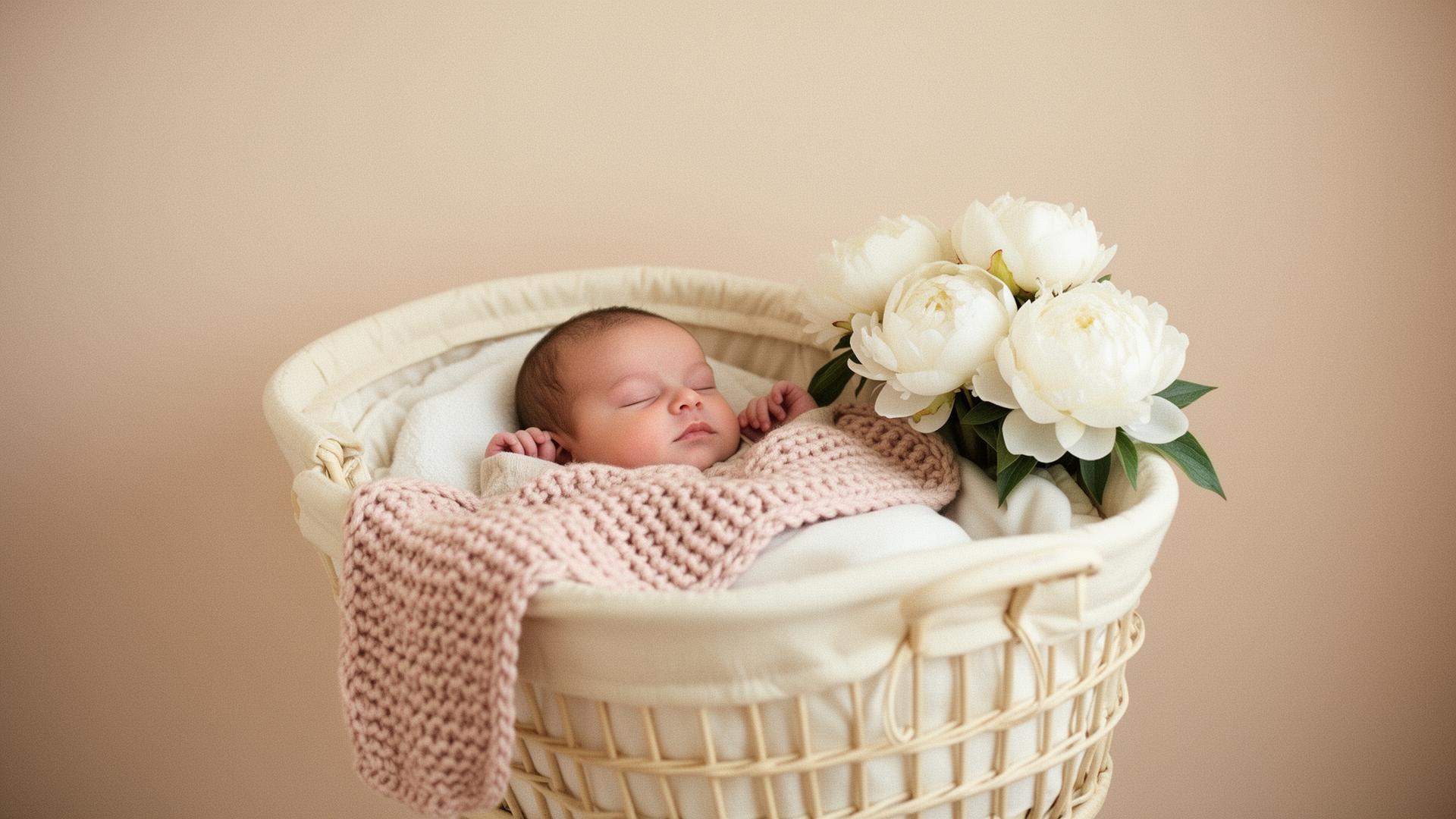
Wrap your little one
in comfort & style.
Premium essentials designed for modern families — soft to the touch, smart by design, made to be loved.
Held in lux.

Free Shipping over $75
OEKO-TEX Certified Fabrics
Gentle on Little Skin
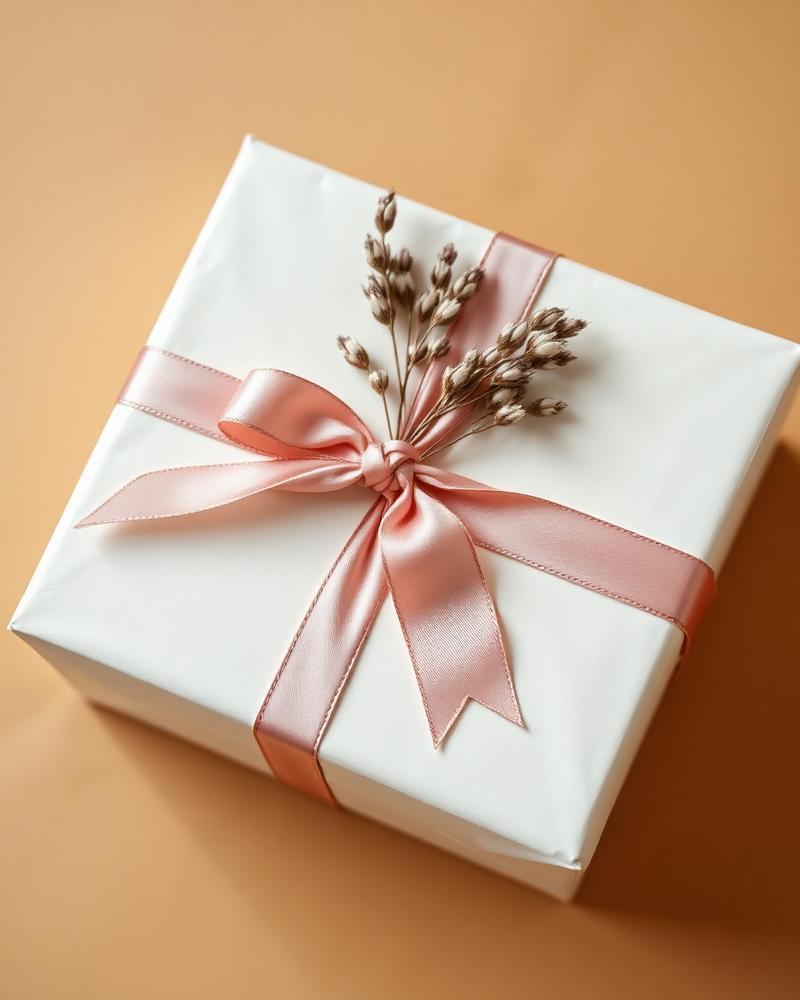
Complimentary Gift Wrap
Featured Categories
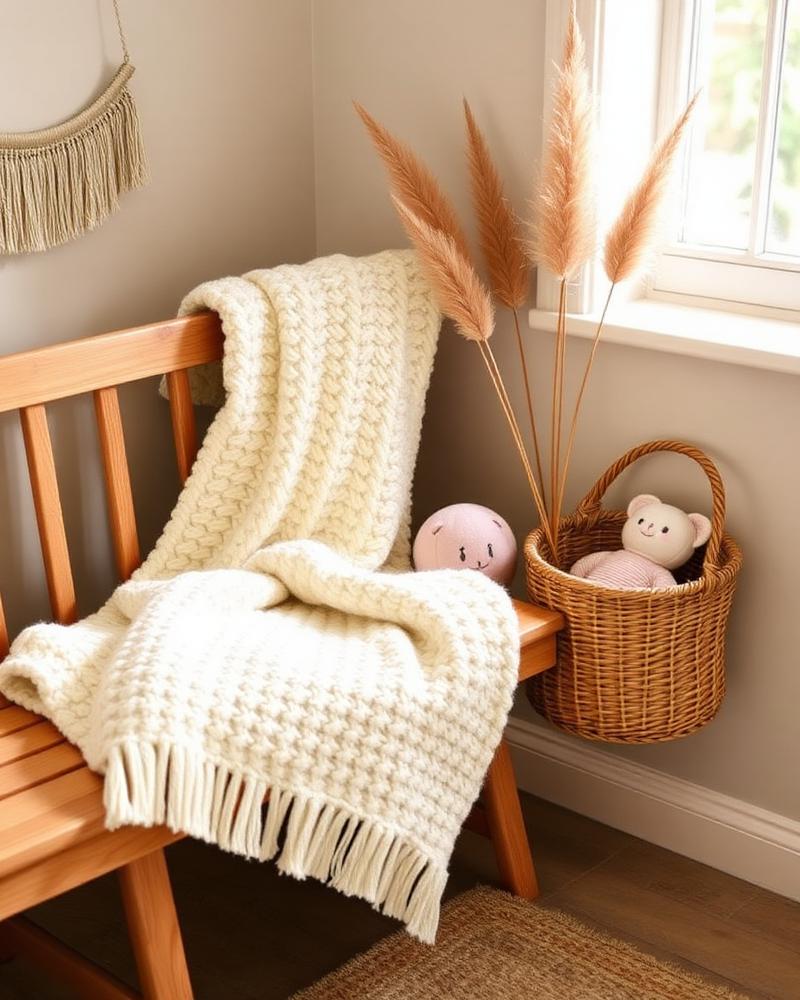
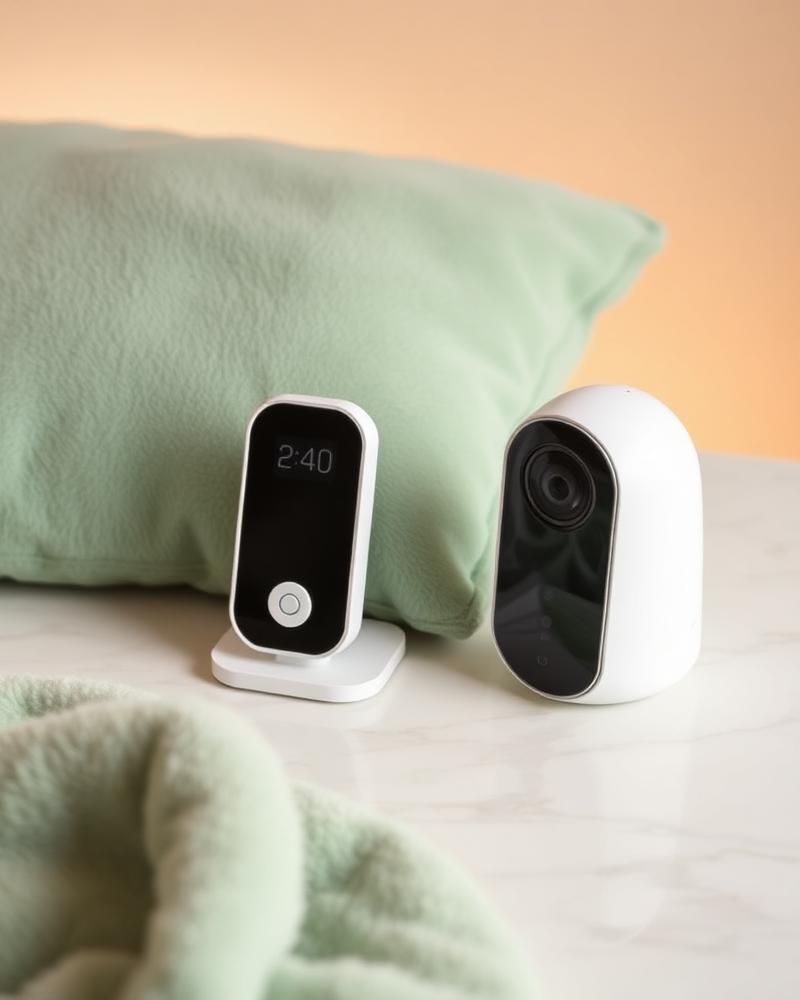
A boutique for every little moment
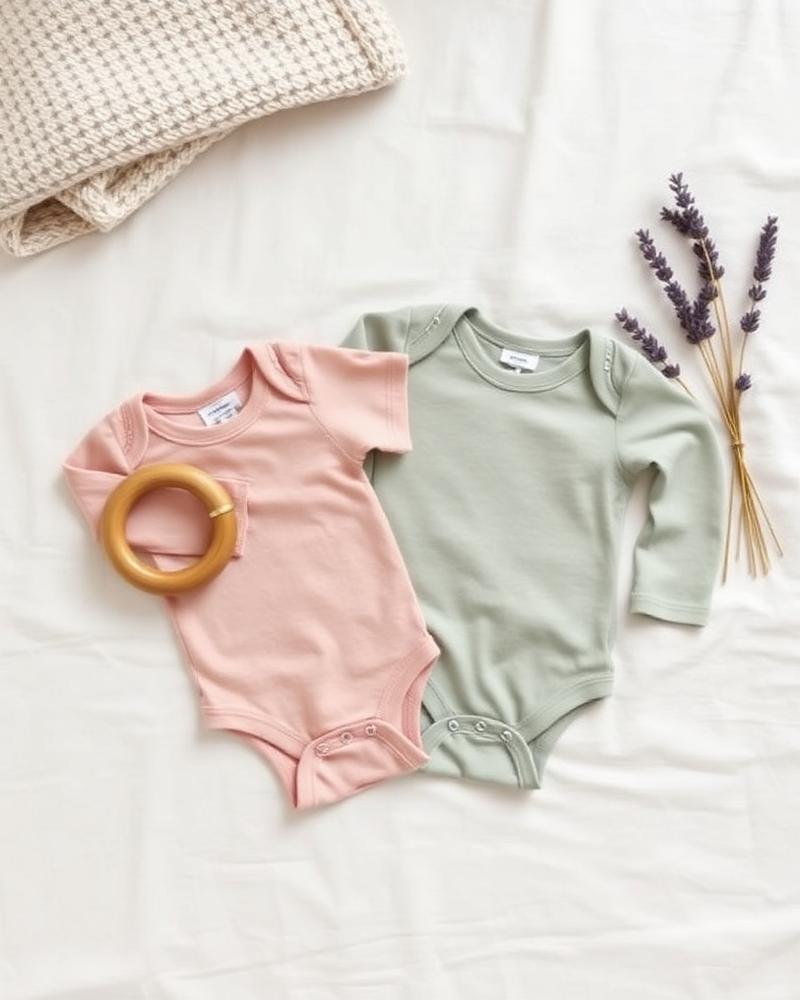
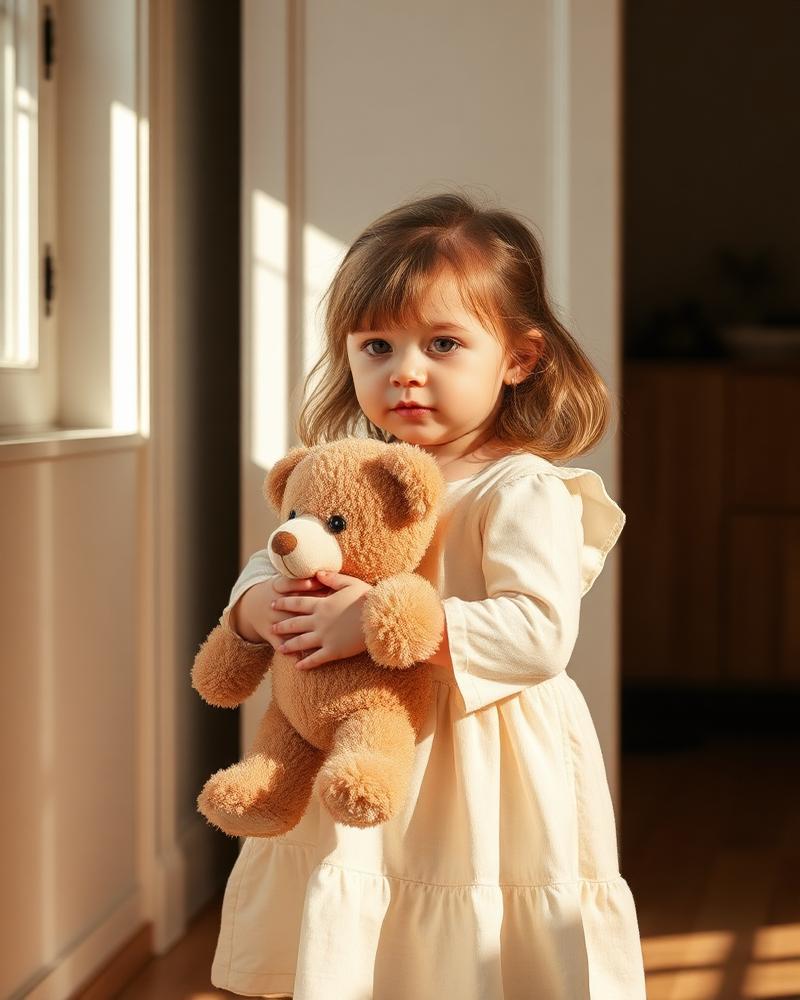
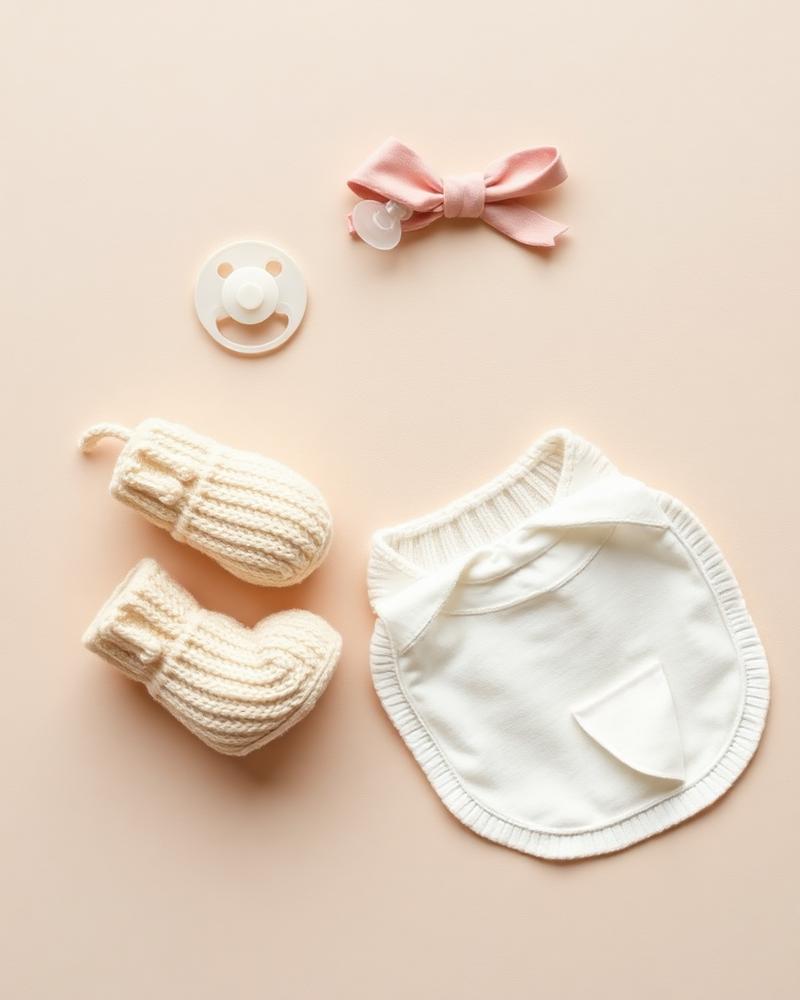
Loved by Parents
Best sellers
Why CuddleLux
Care woven into everything
Safe & Child-Friendly
Tested, certified, parent-approved.
Premium Quality
Crafted from the gentlest materials.
Fast Shipping
Free over $75 — delivered with care.
Held in Lux
A boutique for modern families.
From Our Family
A community of modern parents
We're building a space where real stories live. Reviews from verified CuddleLux families will appear here as our little community grows.
Join the Cuddle Club
Soft updates, gentle perks.
Exclusive offers, parenting notes, and early access to new arrivals — quietly delivered.